
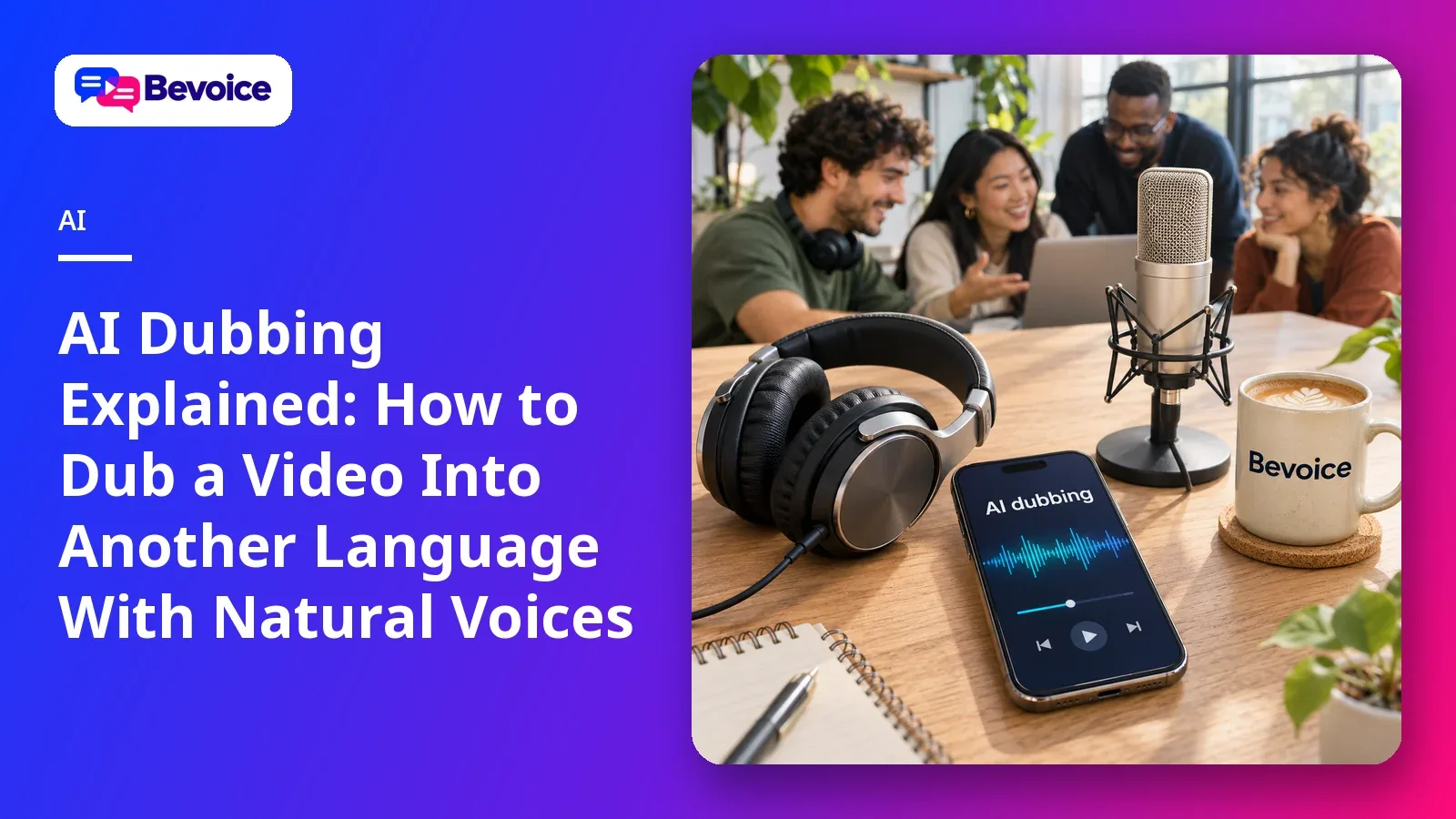
AI dubbing replaces the spoken dialogue in a video with translated speech in another language, using natural-sounding synthetic voices timed to the original pacing. Instead of asking international viewers to read subtitles at the bottom of the screen, you can deliver courses, tutorials, and YouTube videos in their own language without booking a recording studio.
How AI Dubbing Works
Modern voice localization combines speech recognition, translation, and voice synthesis into a single automated pipeline. While traditional dubbing requires scriptwriters, voice actors, and audio engineers, AI handles the heavy lifting in four connected stages:
- Speech recognition and timing: The system listens to the audio track, detects the spoken language automatically, and splits the dialogue into timed segments—typically one to six seconds per line—based on natural speech rhythm.
- Context-aware translation: Each segment is translated into the target language while tracking context across the script so names, technical terms, and tone stay consistent.
- Voice synthesis: A synthetic male or female voice generates the translated lines, adjusting speed and pauses so each sentence fits its original time slot.
- Audio mixing: The new voice track is layered onto the video, either muting the original dialogue completely or keeping a small percentage of the background audio for music and ambient sound.
AI Dubbing vs. Subtitles vs. Studio Voiceover
Choosing between captions, automated dubbing, and human voice actors depends on your budget, turnaround time, and how your audience watches your content. For example, if you already add subtitles to a video automatically for accessibility, dubbing is the next step when viewers prefer listening over reading.
| Method | Best For | Speed & Cost | Viewer Experience | Main Limitation |
|---|---|---|---|---|
| AI Dubbing | Tutorials, online courses, YouTube channels, product demos | Minutes; billed per minute of audio | Hands-free viewing with natural pacing | Needs a quick transcript check for names and jargon |
| Translated Subtitles | Social feeds on mute, interviews, archival footage | Fastest; lowest credit cost | Preserves original speaker emotion and voice | Requires viewers to read while watching visuals |
| Studio Voiceover | Feature films, high-budget commercials, audiobooks | Days to weeks; studio and talent fees | Nuanced acting and custom direction | Expensive to update when scripts change |
In many workflows, subtitles and dubbing work best together. Creators who translate YouTube videos into another language often publish translated captions first and add dubbed audio tracks to their highest-performing tutorials or evergreen guides.
When Natural-Sounding Dubbing Makes the Biggest Difference
Not every video needs a new voice track, but certain formats see an immediate jump in clarity when viewers can listen rather than read:
- Software demos and online courses: When learners are watching cursor movements, code editors, or slide diagrams, reading captions at the bottom of the frame splits their attention.
- Global YouTube and short-form channels: Multi-language audio lets one channel serve viewers across North America, Europe, and Asia without managing separate uploads.
- Marketing and internal training videos: Product walkthroughs and onboarding clips feel more personal when delivered in a customer's or teammate's native language.
- Podcasts and interviews: Listeners often consume long-form conversations while commuting or working, where on-screen subtitles are impractical.
How to Dub a Video Into Another Language With Bevoice
If you want to test AI dubbing on an existing clip without setting up complex audio software, you can run the entire workflow in Bevoice in a few straightforward steps:
- Upload your media or paste a link: Upload a video or audio file (MP4, MOV, MKV, WEBM, MP3, WAV, M4A, FLAC, or OGG up to 2 GB), upload an existing SRT or VTT subtitle file, or paste a YouTube link.
- Review the transcript: Speech recognition supports more than 30 languages and detects the spoken language automatically. Before dubbing, scan the result page and edit any misspelled brand names, acronyms, or technical terms—and re-translate individual lines if needed.
- Pick your dubbing language and voice: Select from 10 supported dubbing languages—English, Vietnamese, Chinese, Japanese, Korean, French, German, Portuguese, Italian, and Indonesian—and choose a male or female voice such as Aria, Luna, Nova, or Leo.
- Adjust the original audio mix: Choose whether to mute the original audio or keep 10%, 15%, 20%, or 25% of it in the background, then preview the dubbed audio directly on the page.
- Export your finished files: Download the dubbed MP4 video ready for publishing, plus a separate voice-only MP3 track if you prefer to fine-tune the mix in your own video editor.
Credits are billed strictly by duration (2 credits per minute per language for AI dubbing, and failed steps are refunded automatically). You can check the full credit breakdown on the pricing page or sign up for free trial credits to hear how your own footage sounds.
How to Prepare Source Audio for Cleaner Results
The quality of any dubbed track starts with the clarity of the original recording. Before uploading your file, run through a quick three-point check:
- Minimize room echo and background hum: Speech recognition separates dialogue most accurately when the speaker is close to the microphone and not competing with loud cafe chatter or air-conditioning noise.
- Separate music stems when you can: If you are exporting from an editor, keeping background music slightly lower than the spoken voice—or exporting a clean dialogue version first and mixing music back in using the voice-only MP3—produces a cleaner final mix.
- Note proper nouns ahead of time: Make a quick list of brand names, product acronyms, and speaker names so you can spot-check them in the transcript before generating the dubbed audio.
Common Mistakes to Avoid Before You Publish
Automated voice localization is fast, but treating it as a one-click black box can hurt the final result. Keep these practical checks in mind before hitting publish:
- Skipping the transcript review: Speech recognition and translation can misinterpret proper nouns, industry jargon, or audio recorded in noisy rooms. A two-minute scan of the text catches almost every awkward phrase before voice synthesis runs.
- Overcrowded translations: Some languages use more words than others to express the same idea. If a translated line looks noticeably longer than the original, trim filler words so the dubbed voice does not rush to fit the timestamp.
- Clashing dialogue tracks: Keeping 25% of the original audio works well over music, but if the original speaker talks continuously, even 20% volume can create an echo effect. Mute the original track whenever clean narration matters most.
- Overlooking content rights: Only translate and dub videos that you own or have explicit permission to localize—including YouTube videos.
If you handle client footage or internal company training, it also helps to know how files are stored: Bevoice deletes original uploaded videos after 7 days (and extracted audio right after transcription), keeps dubbed MP4s for 7 days, and retains text transcripts and subtitles for 30 days.
Ready to Reach a Wider Audience?
AI dubbing removes the studio bottleneck for creators, educators, and teams who want their videos understood across borders. Start with a short two-minute clip, review the transcript carefully, and test how a natural voice track changes viewer engagement—create a free account to try it on your next video.
Frequently asked questions
Does AI dubbing erase my original background music and sound effects?
No, you can choose to keep 10%, 15%, 20%, or 25% of the original audio track so music and ambient sound stay in the mix, or mute the original audio completely when you want a clean voiceover.
Which languages and voices are supported for AI dubbing?
Bevoice supports AI dubbing in 10 languages: English, Vietnamese, Chinese, Japanese, Korean, French, German, Portuguese, Italian, and Indonesian, with both male and female voices such as Aria, Luna, Nova, and Leo.
Can I download only the dubbed voice track to edit in Premiere or Resolve?
Yes. After previewing your dubbed video on the result page, you can download both the finished MP4 video and a separate voice-only MP3 track for custom audio mixing.
What happens if an AI dubbing job fails or encounters an error?
Any failed processing step is refunded automatically to your credit balance, and you can start with free trial credits after signing up to test a clip first.