
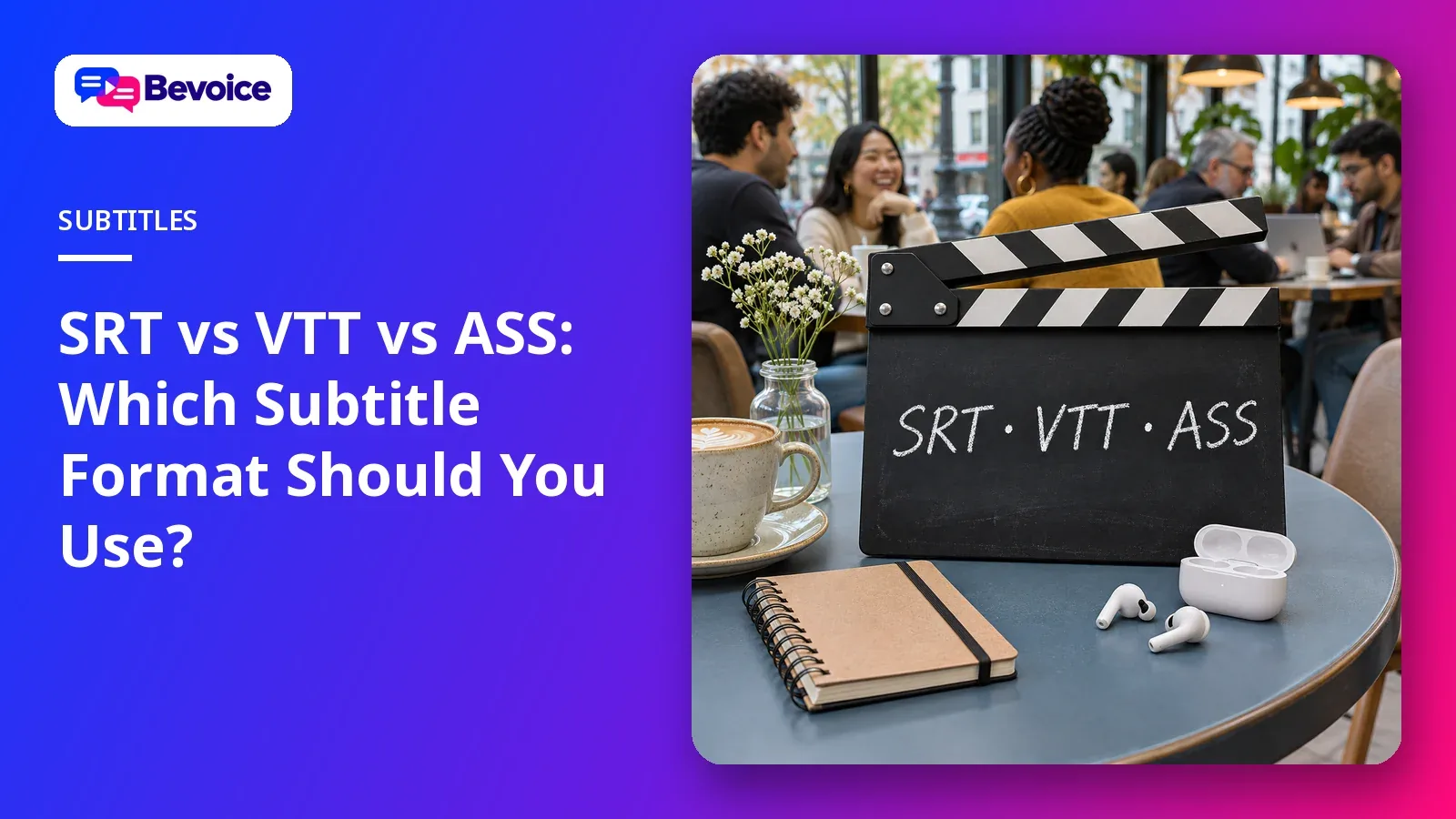
If you are exporting captions for a video, SRT is the safest all-around choice for YouTube, social platforms, and editing software, VTT is the standard for HTML5 web players and accessibility metadata, and ASS is built for custom typography, screen positioning, and stylized effects. Choosing between SRT vs VTT vs ASS comes down to where your video will play and whether you need plain text or rich visual styling.
Pick the wrong format and a platform may reject your upload, strip out your formatting, or fail to display accents and non-Latin characters. Below is a practical breakdown of how each subtitle format works, when to use it, and how to avoid the most common export headaches.
Quick Comparison: SRT vs VTT vs ASS
Before diving into file syntax, here is how the three formats stack up across everyday video workflows:
| Feature | SRT (SubRip) | VTT (WebVTT) | ASS (Advanced SubStation Alpha) |
|---|---|---|---|
| File extension | .srt | .vtt | .ass |
| Plain-text editable | Yes, simplest structure | Yes, requires header | Yes, script-based syntax |
| Timestamp separator | Comma (00:00:01,500) | Period (00:00:01.500) | Period, centiseconds (0:00:01.50) |
| Styling & positioning | Basic (bold, italic, underline) | Moderate (CSS, cue alignment) | Advanced (fonts, colors, outlines, XY coordinates) |
| Web / HTML5 support | Needs conversion for browsers | Native via <track> tag | Requires custom JS renderer |
| Platform compatibility | Nearly universal | High (web, YouTube, Vimeo) | Limited (VLC, mpv, hardsubbing) |
| Best for | YouTube, NLEs, social uploads | Course portals, web players | Stylized captions, burn-in MP4s |
What Is SRT (SubRip Subtitle)?
SRT stands for SubRip Subtitle, a plain-text format created decades ago that remains the universal baseline for video captioning. Nearly every video editor, media player, and hosting platform accepts an SRT file without complaint.
An SRT file consists of numbered blocks separated by blank lines. Each block contains four parts:
- Sequence number: A sequential integer starting at 1.
- Timecode range: Start and end times formatted as hours, minutes, seconds, and milliseconds, separated by a comma and joined by an arrow.
- Subtitle text: One or two lines of dialogue or sound descriptions.
- Blank line: Separates one cue from the next.
1
00:00:02,100 --> 00:00:05,400
Welcome back to the channel.
2
00:00:05,800 --> 00:00:09,250
Today we are comparing three subtitle formats.
Strengths and Limitations of SRT
SRT's biggest advantage is simplicity. You can open it in Notepad or TextEdit, fix a typo in five seconds, and upload it to YouTube, LinkedIn, or Premiere Pro. If you are learning how to add subtitles to a video automatically, SRT is almost always the first format you will export.
Its limitation is visual control. While some players recognize basic HTML-like tags such as bold or italics, SRT does not reliably store font families, background boxes, outline thickness, or exact screen coordinates. The viewer's player decides how the text looks.
What Is VTT (WebVTT)?
VTT stands for Web Video Text Tracks, a format maintained by the W3C WebVTT specification specifically for modern web browsers. It looks similar to SRT at first glance, which is why people often confuse the two, but VTT adds structure designed for HTML5 video.
Every VTT file must begin with the word WEBVTT on the first line, followed by a blank line. Timestamps use a period before milliseconds instead of a comma, and cue numbers are optional.
WEBVTT
00:00:02.100 --> 00:00:05.400 align:center position:50%
Welcome back to the channel.
00:00:05.800 --> 00:00:09.250
Today we are comparing three subtitle formats.
Why Web Developers and Course Creators Prefer VTT
If you embed videos on your own website or host lessons on a learning management system, VTT works natively with the HTML5 track element without any conversion script. It also supports features SRT lacks:
- Cue settings: Align text left, center, or right, or move captions to the top of the frame so they do not cover lower-third graphics.
- CSS styling: Web players can style VTT cues with standard CSS rules for color, font, and background opacity.
- Chapters and metadata: VTT files can hold chapter markers, speaker labels, and notes that assistive screen readers can parse.
What Is ASS (Advanced SubStation Alpha)?
ASS (Advanced SubStation Alpha) is a much richer, script-based subtitle format. Instead of simple numbered blocks, an ASS file is divided into sections such as Script Info, V4+ Styles, and Events.
Inside the Styles section, you can define exact font names, sizes, primary and outline colors, shadow depth, margins, and alignment. Inside the Events section, individual dialogue lines can override those defaults with pixel-accurate coordinates, rotation, fade-in effects, or word-by-word karaoke timing.
Where ASS Shines—and Where It Breaks
ASS is the gold standard for desktop players like VLC and mpv, fansubbed anime, and workflows where visual presentation matters—such as placing a translated sign label directly over a storefront in the frame. It is also useful when you want to design a consistent subtitle look before burning captions permanently into an MP4.
However, most mainstream web platforms—including YouTube, Instagram, and TikTok—do not accept direct ASS uploads for closed captions. If you design your subtitles in ASS, you will either play the video in a compatible desktop player or burn the styled subtitles directly into the video file.
How to Choose the Right Format for Your Platform
Match your export format to your distribution channel rather than guessing:
- YouTube and Vimeo: Export SRT or VTT. Both appear in YouTube's list of supported subtitle files. SRT is fastest for simple captions; VTT is helpful if you want basic positioning. If you are localizing a channel, see our guide on how to translate a YouTube video into another language.
- Your own website or online course portal: Export VTT. HTML5 players read it natively, and you can style captions to match your brand colors.
- TikTok, Instagram Reels, and YouTube Shorts: Use SRT if you want viewers to toggle captions on or off, or burn styled captions into a 720p or 1080p MP4 if you want guaranteed typography on every phone screen.
- Video editing timelines (Premiere Pro, DaVinci Resolve, CapCut): Export SRT. It imports cleanly as editable caption tracks.
- Desktop playback or complex dual-language layouts: Export ASS when you want custom fonts, crisp outlines, and exact placement without re-encoding the video.
And if your audience prefers listening in their own language rather than reading on small screens, pairing clean subtitles with AI dubbing can make tutorials and interviews much easier to follow.
Common Subtitle File Mistakes (and How to Fix Them)
Even when you pick the right format, a small formatting error can break playback. Watch out for these four issues:
- Wrong character encoding: Always save SRT, VTT, and ASS files as UTF-8. Saving in ANSI or Windows-1252 turns accented letters, Vietnamese, Japanese, or Arabic characters into unreadable symbols.
- Overlapping timestamps: If cue 1 ends at 00:00:05,500 and cue 2 starts at 00:00:05,200, some players drop the second line entirely.
- Walls of text: Aim for one to two short lines per cue, paced to natural speech rhythm (roughly one to six seconds per line) so viewers can read comfortably without missing the visuals.
- Unchecked names and jargon: Automated speech recognition and translation can misspell brand names, technical terms, or speakers in noisy audio. Always do a quick pass over the transcript before publishing, and make sure you hold the rights to any video you translate or redistribute.
Generating SRT, VTT, and ASS Without Manual Formatting
You do not need to write timecodes by hand or convert formats in separate desktop utilities. With Bevoice, you can upload a video or audio file up to 2 GB (MP4, MOV, MKV, WEBM, MP3, WAV, and more) or paste a YouTube link to generate timed subtitles in over 30 languages.
Once AI speech recognition splits your captions by natural speech rhythm, you can edit any line right on the result page, translate into 30+ languages with context-aware terminology, and customize font size, color, background, outline, and position. From a single project, you can download SRT, VTT, ASS, bilingual subtitles, a Word or TXT transcript, or burn your styled captions into an MP4 at 720p or 1080p.
If you want to test which format works best on your player, sign up for free trial credits or check Bevoice pricing to see how duration-based credits work.
Frequently asked questions
Can I convert an SRT file to VTT without special software?
Yes, for basic captions you can open the file in a plain-text editor, add WEBVTT and a blank line at the very top, and replace every comma in the timestamps with a period. Save the file with a .vtt extension using UTF-8 encoding.
Does YouTube accept ASS subtitle files?
No, YouTube does not support direct ASS uploads for closed captions. Export your captions as SRT or VTT for YouTube, or burn the styled ASS captions directly into your MP4 video before uploading.
Which subtitle format is best for accessibility and screen readers?
WebVTT (.vtt) is the recommended format for web accessibility because HTML5 video players support it natively and it can include speaker labels, chapters, and positioning metadata.
Why do my subtitles show strange symbols instead of accented letters?
This happens when a subtitle file is saved in an older character encoding such as ANSI instead of UTF-8. Re-saving or exporting the file as UTF-8 fixes broken accents, emoji, and non-Latin scripts.